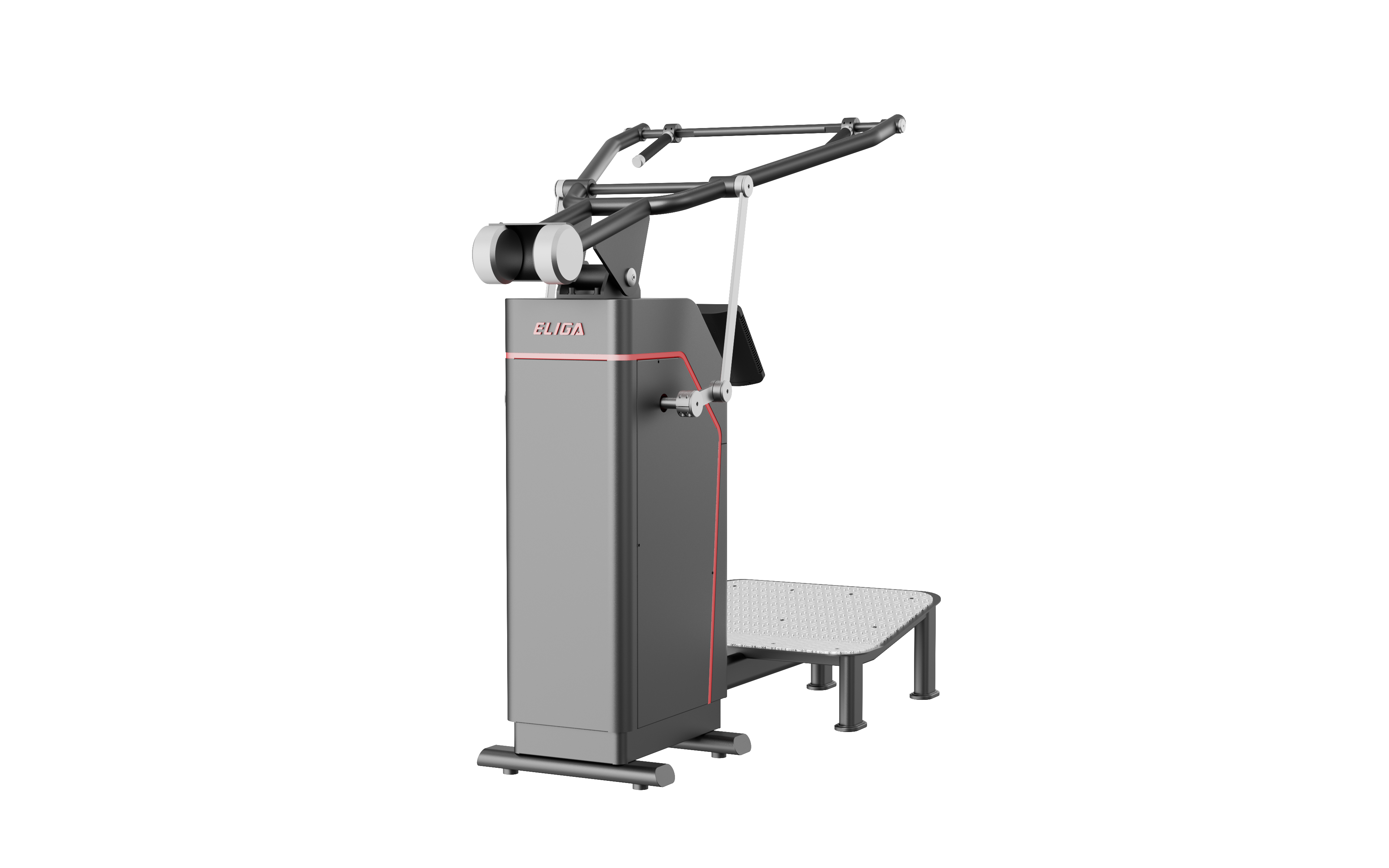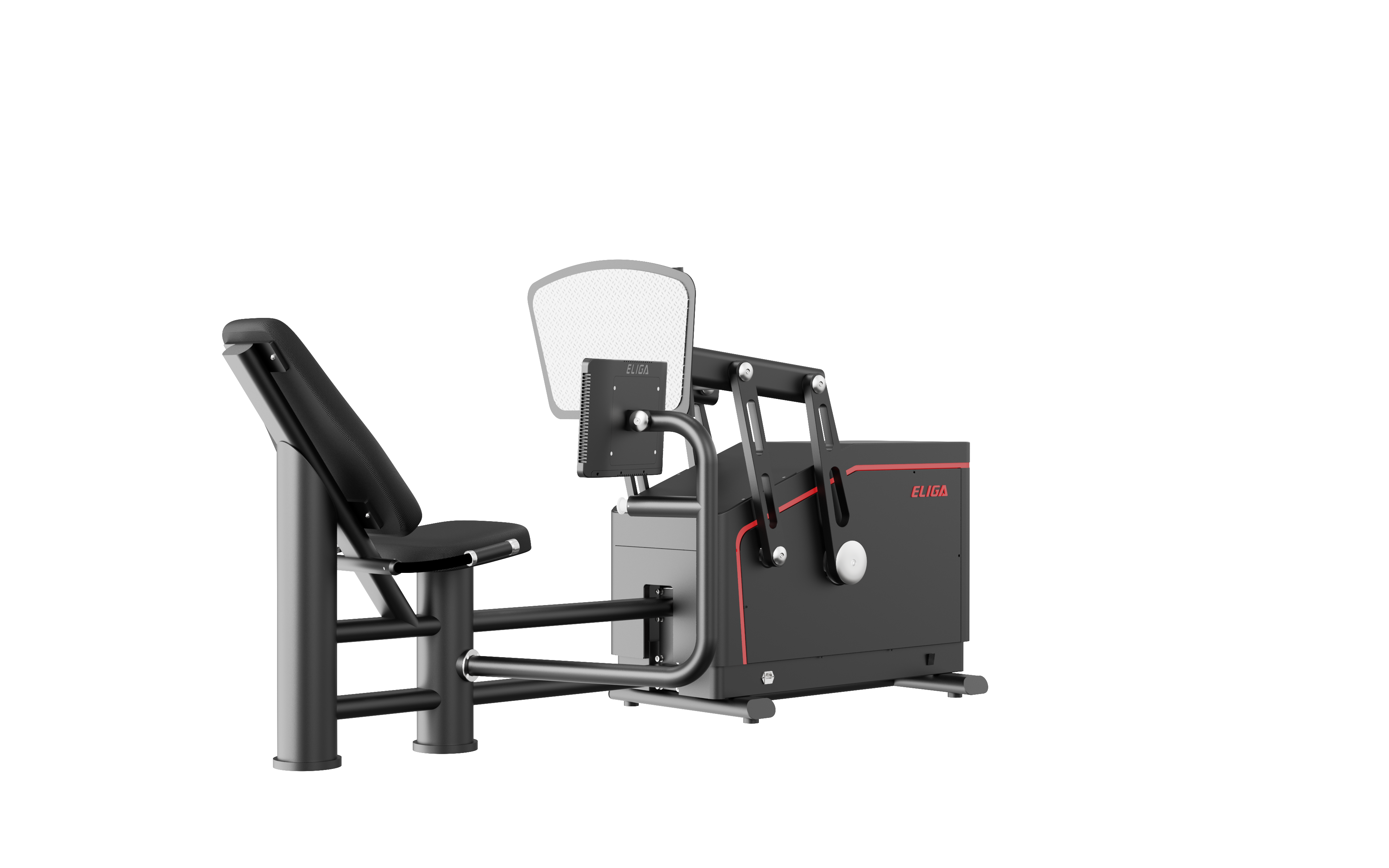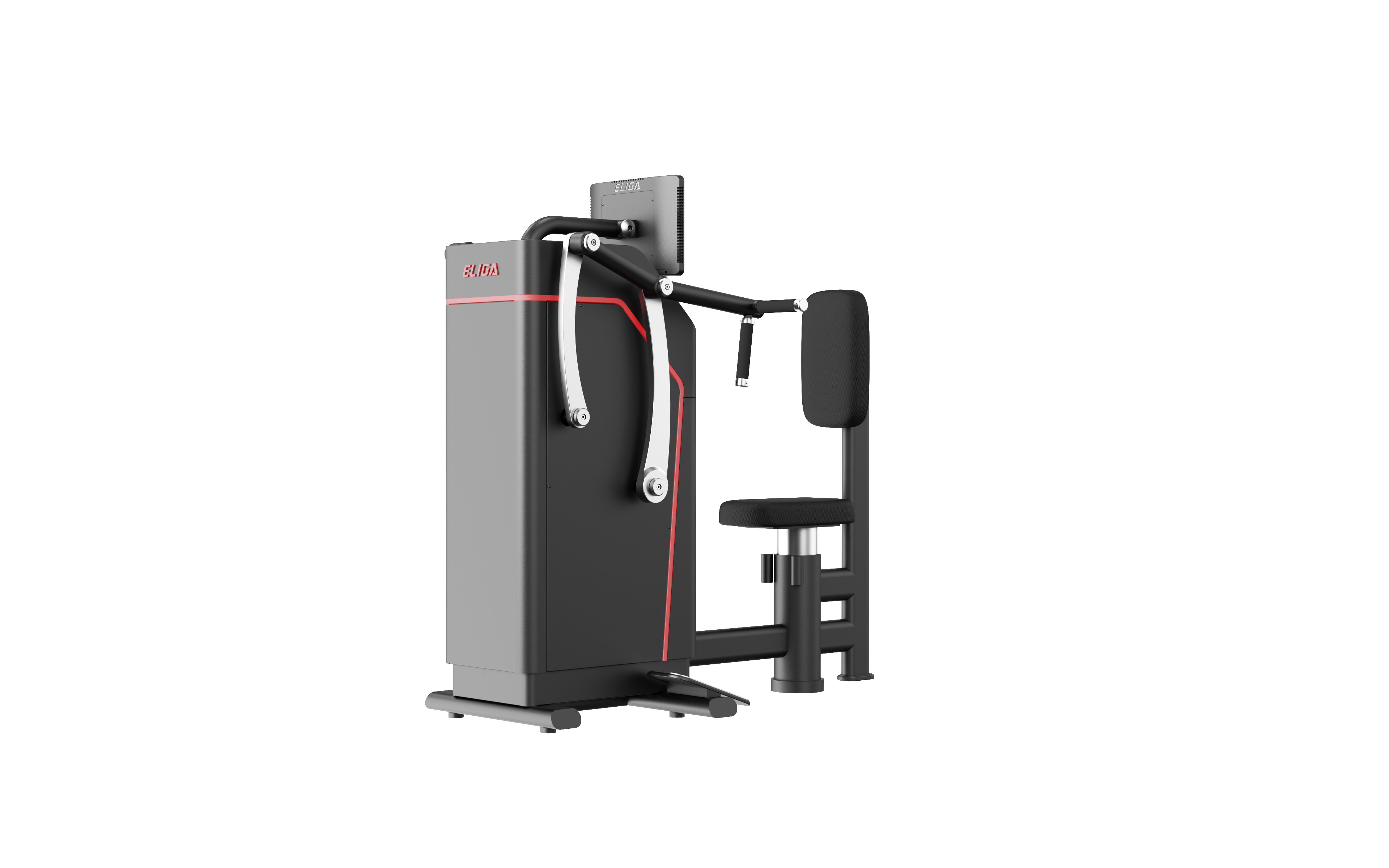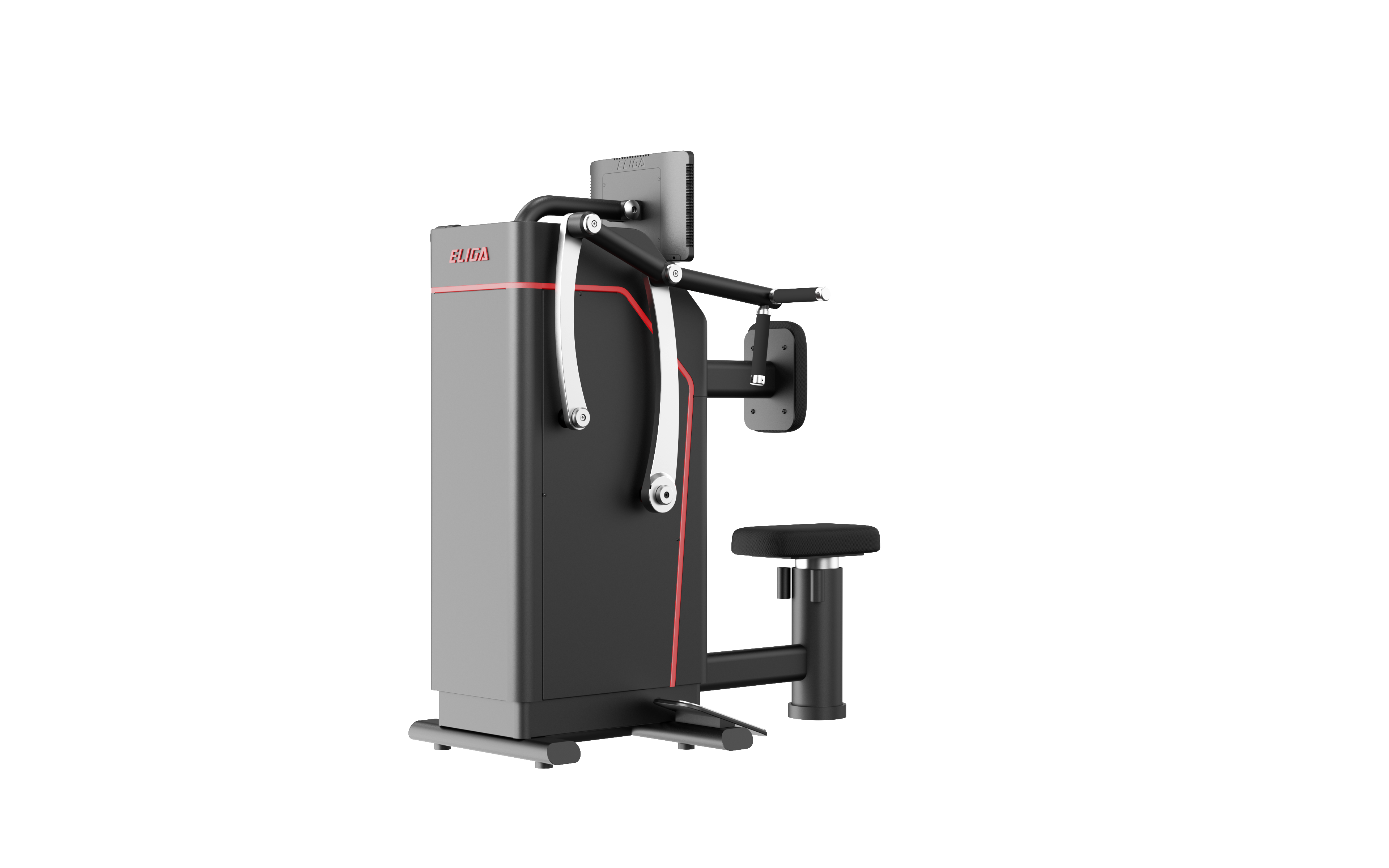
Connected Performance System From every rep to the next decision.

Connected strength and sprint training, from the floor to the team.

T130
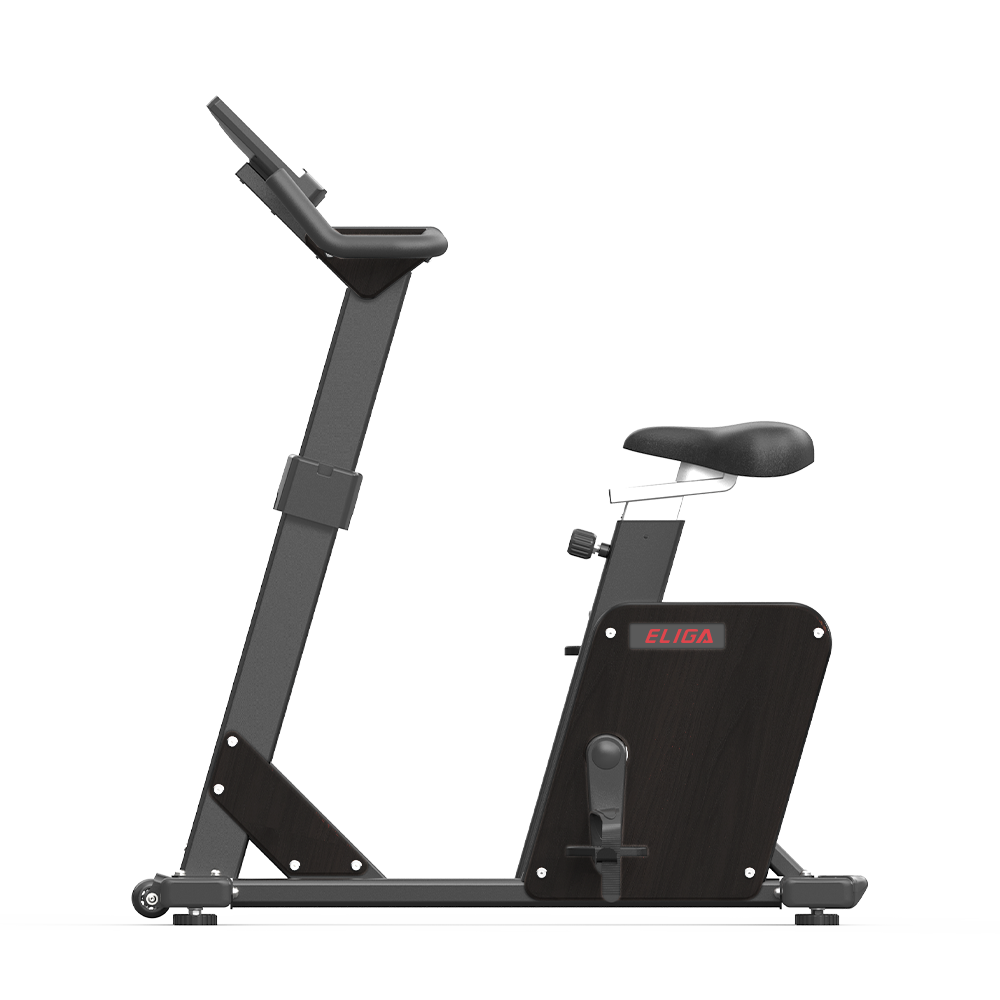
Strength trainingRep-by-rep training feedback for day-to-day coaching.
T120
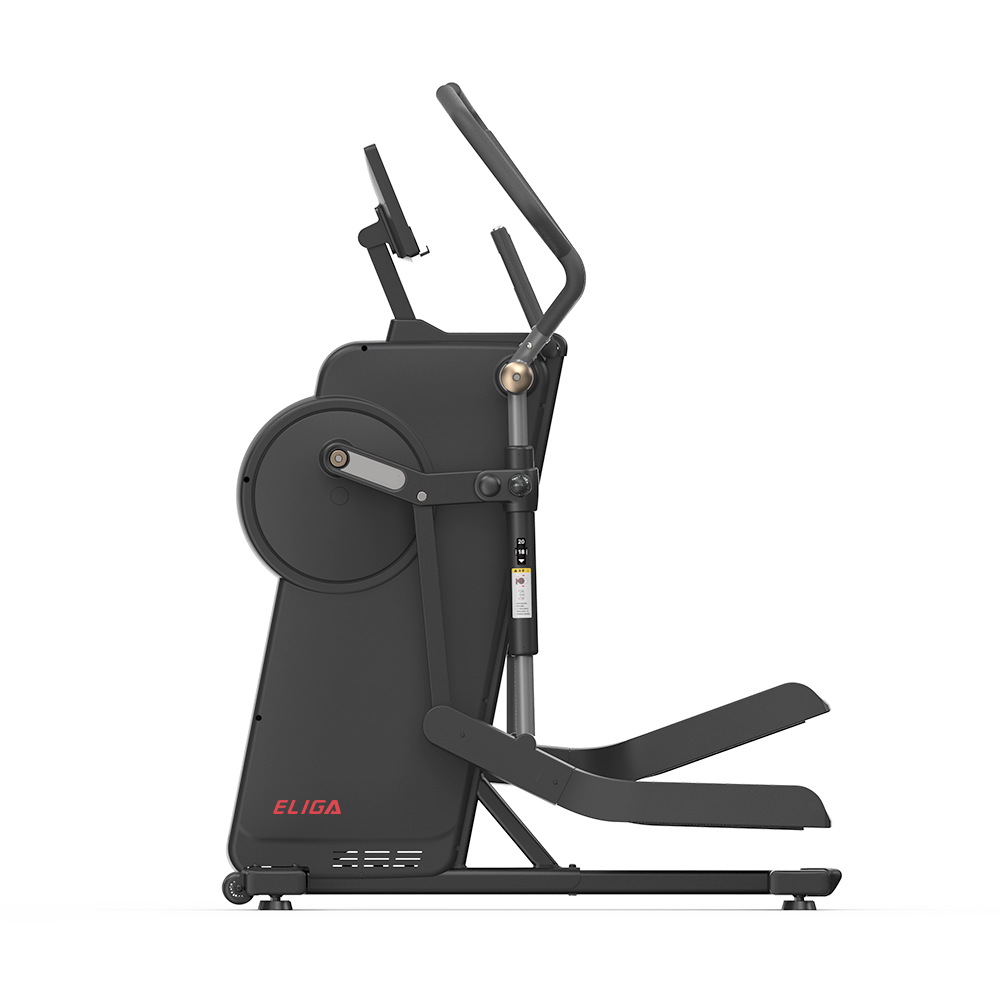
Sprint trainingControlled resistance or assistance with connected session feedback.
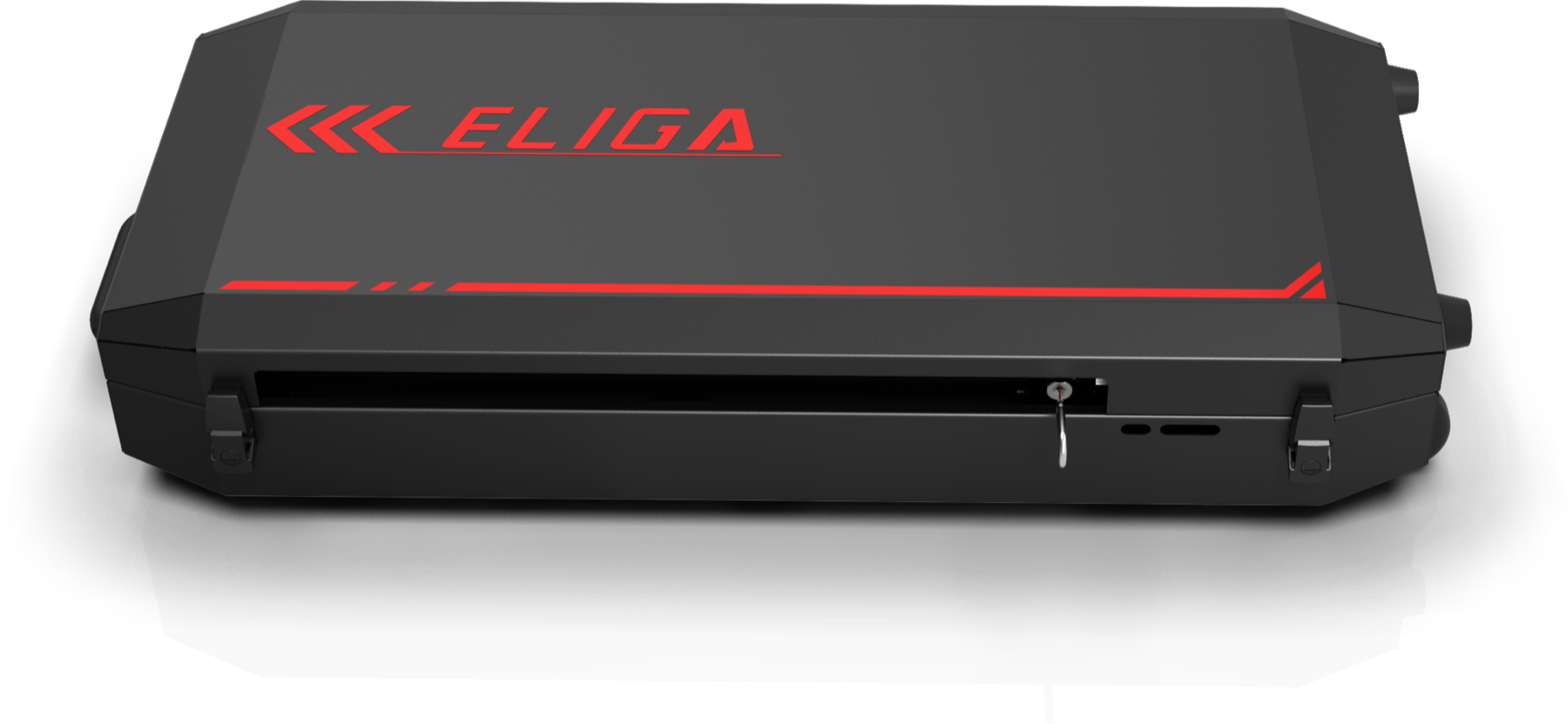
Kinedge T130 strength training system Kinedge T120 sprint training system T130 + T120

One session. Connected.

Rep to review.

One training session moves through five connected stages without losing the context coaches and teams need.

01Capture

Hardware records the session at the source.

T130 supports strength training. T120 supports resisted and assisted sprint work. The equipment stays at the centre of the experience.

System layer
Training hardware
Role value
Start with the work performed on the floor.
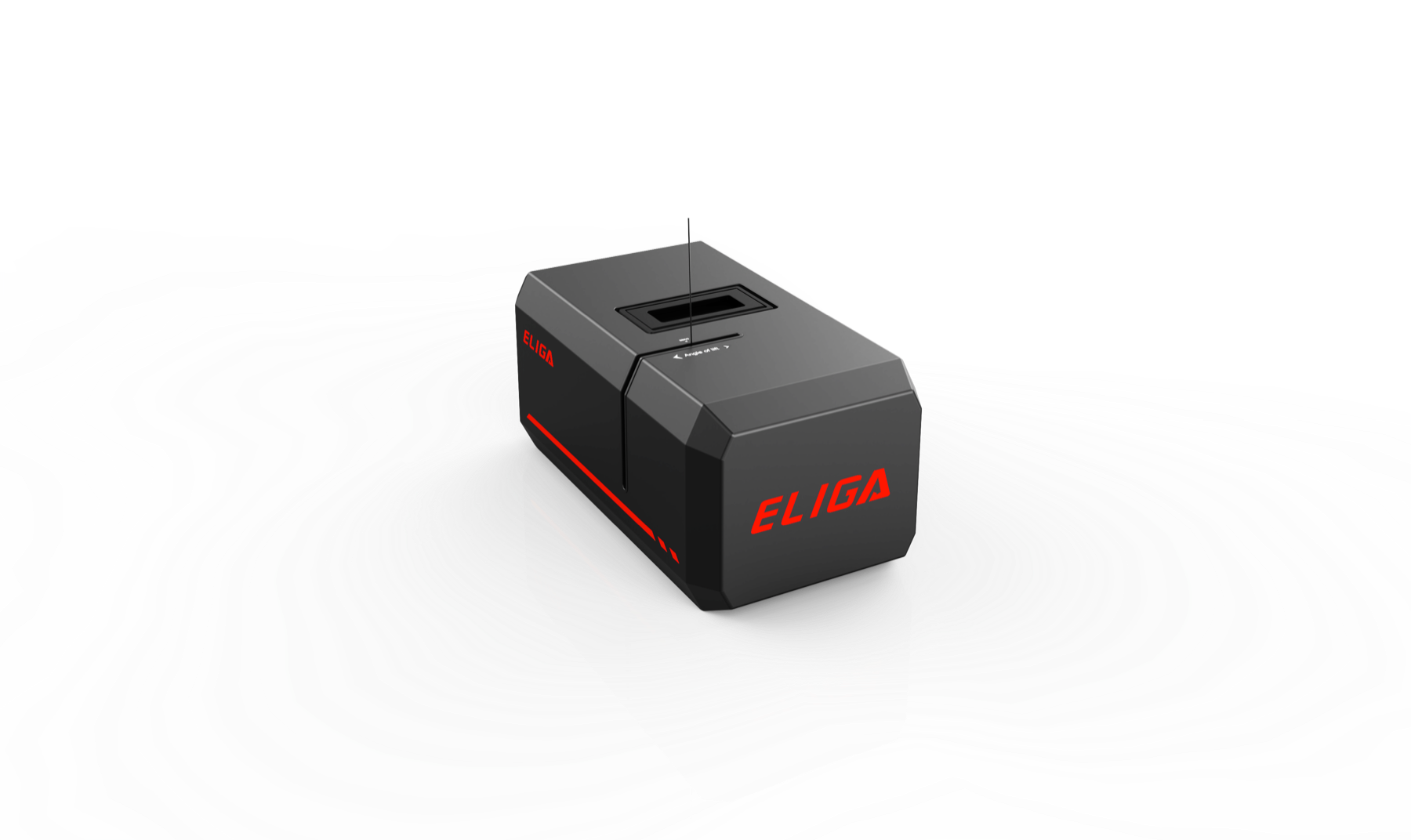
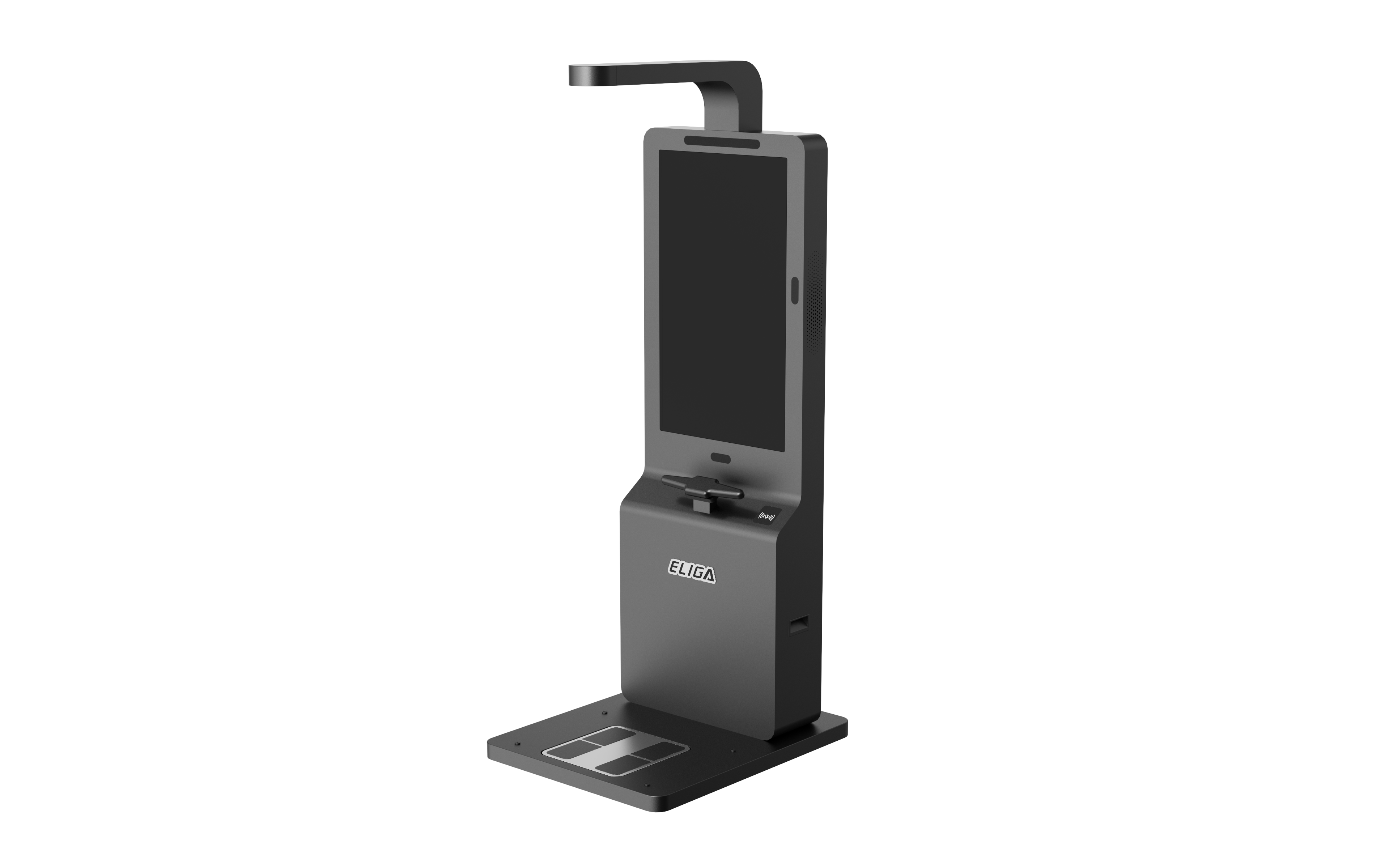
T130 strength training hardware T120 sprint training hardware
02Coach Live

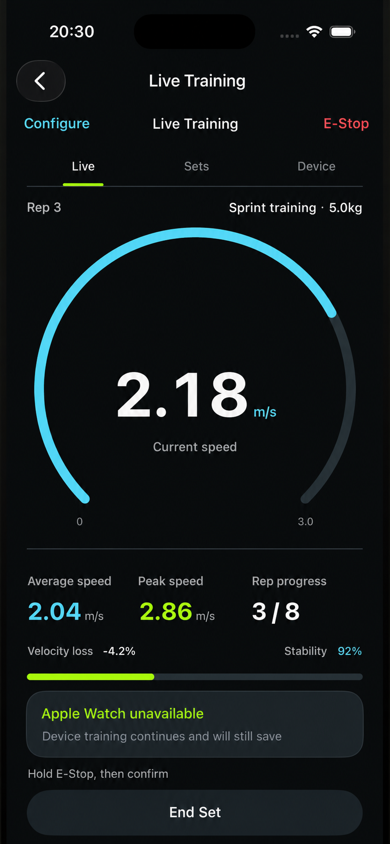
The App keeps the coach close to the set.

Configure the session, follow training as it happens, and review the result from the same mobile workflow.

System layer
Kinedge App
Role value
Immediate feedback without leaving the training floor.
Kinedge App live training screen showing time, repetitions, speed and power
Live training view
03Sync

The session continues beyond the device.

Training records move from the App through the cloud so the same session can be available for later review and operations.

System layer
Cloud sync
Role value
Maintain continuity between the floor and team workflows.
  1. Training recordPrepared in the App
  2. Secure transferSent to the cloud
  3. Team accessAvailable for operations
04Manage

Teams, devices, and training stay in one operational view.

The admin console gives authorised operators a place to review platform status and reach team, device, training, and data-quality workflows.

System layer
Admin console
Role value
Move from an individual session to team operations.
05Decide

Review the session, then return the decision to the floor.

Coaches can use the recorded session and team context to plan what happens next. The loop closes where the next training decision is applied.

System layer
Coach workflow
Role value
Turn connected records into the next practical action.

CAPTURE

REVIEW

RETURN TO TRAINING

Real interfaces. One workflow.

Software that keeps the session connected.

The App supports the training-floor workflow. The admin console carries the same operating context into team and device management.

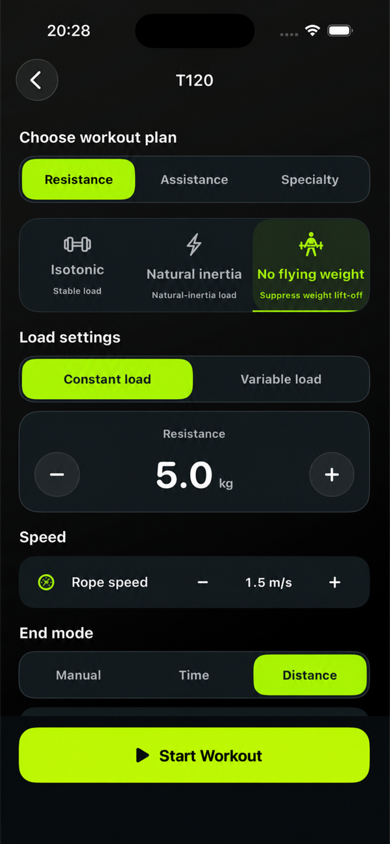
01Configure
Kinedge App T122 training configuration screen
02Coach Live
Kinedge App live training feedback screen
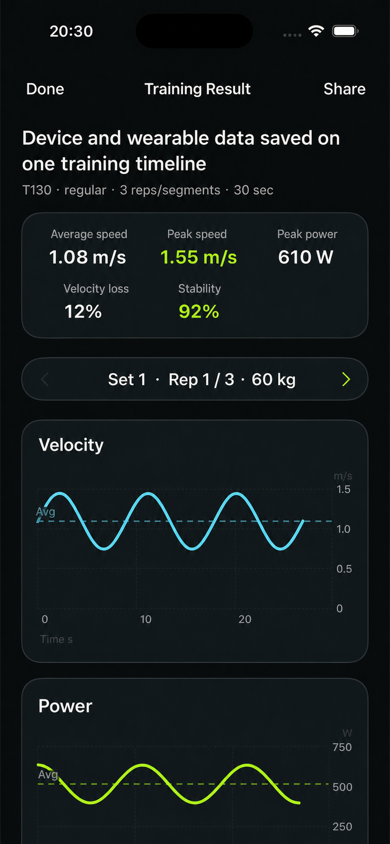
03Review
Kinedge App training result screen

Team operations

Manage teams, devices, training, and data quality.

The console is presented as operational software, not as a claim about training outcomes.

Admin console

Platform overview

Expanded Kinedge admin console platform overview

Talk with Kinedge

See how Kinedge fits your environment.

Tell us what you are training, which equipment you are considering, and how your team works today.